



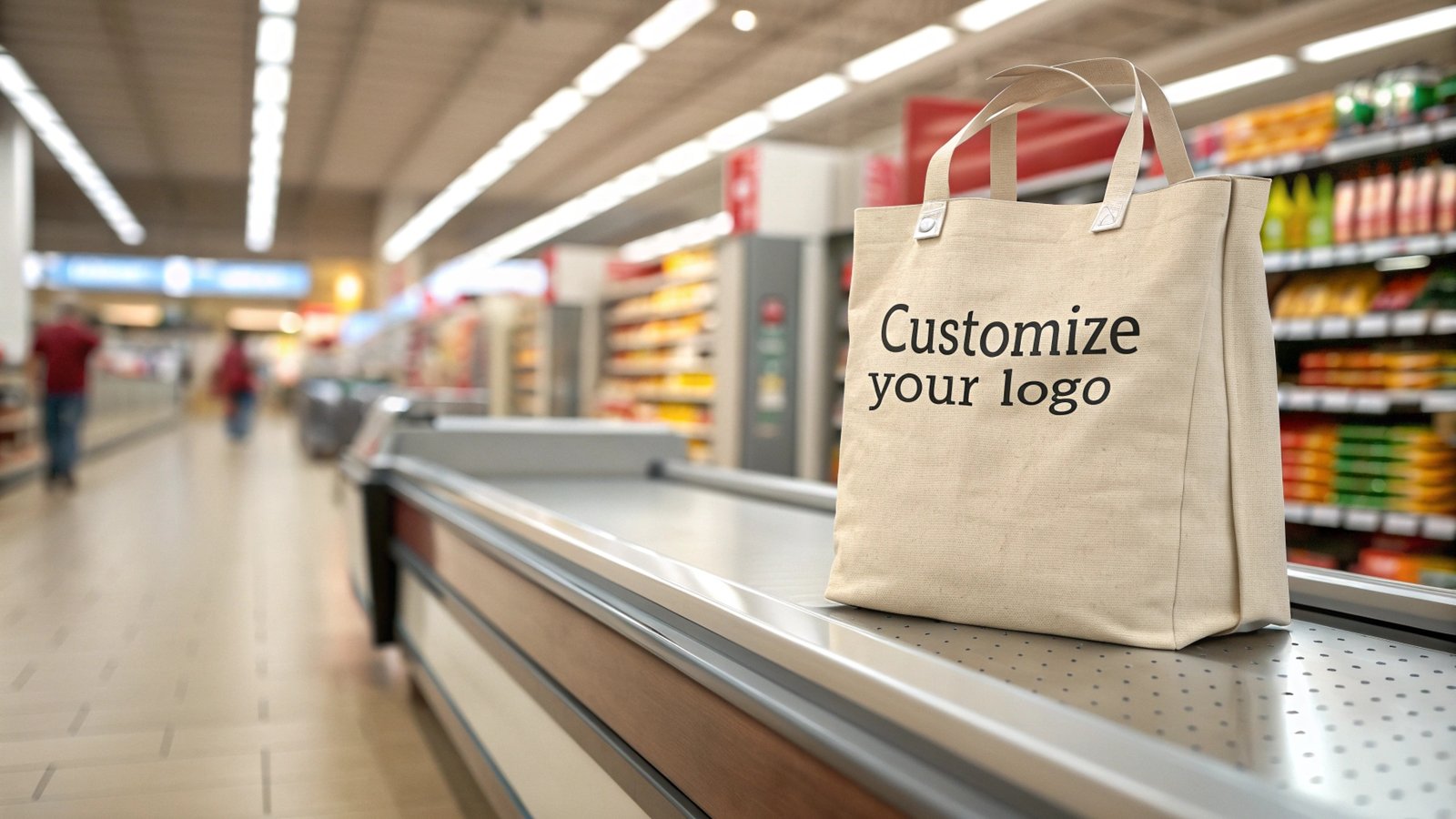
The difference between a tote bag that gets used daily and one that ends up in a closet is often the logo placement. A logo positioned too high gets hidden when the bag is slung over a shoulder. A logo too low disappears into the gusset. A logo that is too large looks aggressive on a luxury bag; too small, and it goes unnoticed on a promotional giveaway.
Complement your logo placement with custom hang tags and retail inserts.
This guide maps out seven logo placement zones on a standard tote bag, with the visibility, printability, cost, and aesthetic tradeoffs for each. Whether you are branding 500 retail shopping bags or 10,000 conference giveaways, the placement decision affects how your brand is seen every time someone carries the bag.
The Seven Logo Placement Zones
A standard tote bag (approximately 15 x 16 inches with a flat front panel) offers seven distinct zones for logo placement. Each zone has different characteristics for visibility, printability, and cost.
Zone 1: Center Front Panel
The center front panel is the default placement for the majority of custom tote bags. It offers the largest unobstructed print area and the highest visibility when the bag is carried at the user’s side or in front.
Printable area: Up to 10 x 10 inches on a standard tote (10 x 12 inches on a large tote).
Best for: Retail shopping bags, conference bags, promotional giveaways, and any application where maximum brand visibility is the goal.
Cost impact: Screen printing on the center front adds $0.15 to $0.45 per unit at quantities above 1,000 pieces. Embroidery on the same position adds $0.80 to $2.50 per unit depending on stitch count. For more on printing method costs, see our screen printing vs heat transfer vs sublimation comparison.
Zone 2: Lower Front Panel
Placing the logo in the lower third of the front panel (approximately 2 to 4 inches from the bottom hem) creates a more understated brand presentation. This placement is popular with premium retail brands that want their logo visible but not dominant.
Printable area: Up to 8 x 4 inches, constrained by the bag’s width and the bottom hem.
Best for: Luxury retail bags, boutique shopping bags, and brands that prefer subtle branding.
Zone 3: Upper Front Panel (Below Handle)
Positioning the logo in the upper portion of the front panel, just below where the handles attach, places the brand name at eye level when the bag is carried. This zone works well for text-based logos or wordmarks.
Printable area: Up to 10 x 3 inches, limited by the handle attachment points.
Best for: Wordmark logos, conference or event bags where the organization name is the primary branding element.
Zone 4: Handle Wrap or Handle Tag
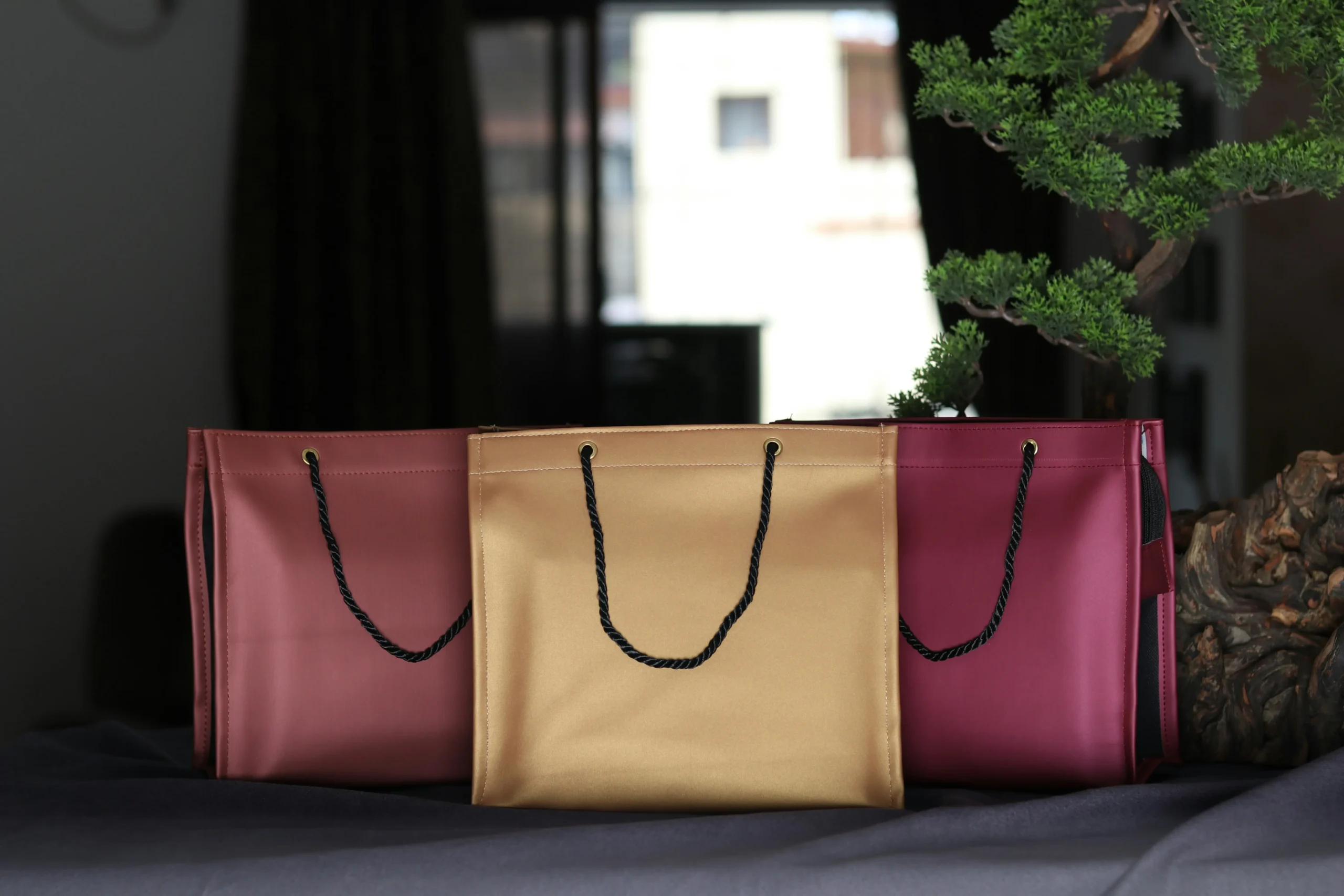
A small logo, brand name, or icon printed on a fabric tag that wraps around or is sewn onto the handle. This is a premium branding technique used by luxury retailers and high-end boutiques.
Printable area: Typically 2 x 1 inches to 3 x 1.5 inches on the tag.
Best for: Luxury retail bags, gift packaging, and brands where the unboxing or carrying experience is part of the brand identity.
For a detailed comparison of branding techniques including handle tags, see our guide on embroidery vs screen printing for custom bag logos.
Zone 5: Side Gusset
The side gusset (the panel that gives the bag its depth) can carry a logo, tagline, or website URL. This placement is visible when the bag is viewed from the side, such as when multiple bags are displayed in a row on a retail counter.
Printable area: Up to 4 x 10 inches on a standard gusset, though the curved surface limits print quality for detailed artwork.
Best for: Supplementary branding (website, social handle, tagline) alongside a primary logo on the front panel.
Zone 6: Back Panel
The back panel (the side that faces the user’s body when carried) is sometimes used for care instructions, sizing information, or a secondary brand message. It is rarely used for the primary logo.
Printable area: Same as front panel, up to 10 x 10 inches.
Best for: Care labels, sustainability messaging, or a second design element for double-sided bags.
Zone 7: Bottom Corner or Base Label
A small woven label or printed mark on the bottom corner of the bag or on the base itself. This is the most subtle branding option, used by brands that want the bag to feel unbranded at a glance while still carrying a maker’s mark.
Printable area: Typically 1.5 x 1.5 inches for a woven label, or 2 x 2 inches for a printed mark.
Best for: Minimalist brands, artist collaborations, and bags where the material or design speaks for itself.
Placement Summary: Comparison Table
| Zone | Visibility | Print Cost | Лучший пример использования | Методы печати |
|---|---|---|---|---|
| Center Front | Высокий | $ | Retail, promo, events | Screen, heat transfer, sublimation, digital |
| Lower Front | Средний | $ | Premium retail, boutique | Screen, heat transfer, embroidery |
| Upper Front | Высокий | $ | Wordmarks, conferences | Screen, heat transfer |
| Handle Wrap | Medium (close range) | $$ | Luxury, gift packaging | Printed tag, woven label, debossed leather |
| Side Gusset | Low-Medium | $$ | Supplementary branding | Screen (with fixturing), heat transfer |
| Back Panel | Low (when carried) | $ | Info, secondary design | All methods |
| Bottom Label | Очень низкий | $$ | Minimalist, maker’s mark | Woven label, debossed stamp |
How Bag Type Influences Placement
The ideal logo placement depends on the bag’s intended use and the brand positioning:
Retail shopping bags: Center front is the standard. The logo should be large enough to be readable from 5 feet away, which typically means a minimum height of 2 inches for text. Double-sided printing (logo on front, website or tagline on back) is common. For custom printed retail tote bags, the MOQ and artwork setup process typically includes a placement proof before production begins.
Promotional and event bags: Center front with maximum logo size. The goal is brand visibility in a crowd, so larger is better. Conference bags often combine a large front logo with a smaller back-panel print showing the event dates or sponsor list.
Luxury and boutique bags: Lower front panel, handle wrap, or bottom label. The objective is brand recognition without visual noise. A small embroidered logo on the lower front panel, or a debossed leather tag on the handle, communicates quality better than a large screen-printed logo.
Grocery and reusable bags: Center front with high-contrast colors. These bags are used in varied lighting conditions (parking lots, store aisles, kitchen counters), so the logo needs to be legible in low light. Screen printing with plastisol ink on a dark bag, or a laminated full-panel print on a non-woven bag, provides the best readability.
Printing Method Constraints on Placement
Not every printing method works equally well in every placement zone. Here are the key constraints:
Трафаретная печать works best on flat, unobstructed surfaces. The center front panel is ideal. Handle wraps, gussets, and areas near seam lines are difficult because the screen needs full contact with the fabric. If your logo must extend onto a curved surface, consider heat transfer instead. For technical guidance on mesh counts, ink coverage, and registration for textile decoration, the PRINTING United Alliance maintains industry standards and educational resources used by commercial screen printers.
Heat transfer is more flexible than screen printing for irregular surfaces. The transfer film can conform to slight curves, making it suitable for gusset printing and handle wraps. However, heat transfer requires a flat pressing surface, so the bag must be loadable onto the heat press platen, which limits where the logo can be placed.
Вышивка requires a stable, flat surface for the embroidery hoop. Center front and lower front panels work well. Gussets and handle wraps are generally not suitable for embroidery because the fabric cannot be held taut in the hoop. For more on embroidery specifics, see our custom tote printing QC guide, which covers registration and alignment checks for multiple decoration methods.
Sublimation covers the full panel edge-to-edge but only works on polyester or polyester-coated fabrics. If your bag is cotton, sublimation is not an option without a polyester coating, which changes the hand feel.
Common Mistakes in Logo Placement
After reviewing thousands of custom bag orders, the most frequent placement mistakes are:
Logo too close to the handle attachment. When the bag is loaded, the fabric around the handle attachment bunches and distorts. A logo positioned within 1 inch of the handle base will wrinkle and become partially unreadable. Maintain at least a 1.5-inch clearance from handle attachment points.
Ignoring the gusset fold line. On bags with side gussets, the fold line where the front panel meets the gusset is a natural boundary. Logos that cross this fold line look misaligned when the bag is empty and distorted when it is full. Keep the logo entirely within one panel.
Not accounting for bag color contrast. A dark logo on a dark bag, or a light logo on a light bag, loses visibility. Always check the Pantone contrast ratio between the logo color and the bag color. A contrast ratio of at least 4.5:1 for normal-size text (3:1 for large text), as defined in WCAG 2.1, is the accessibility benchmark most brand guidelines apply, and it is a practical readability target for logos viewed at 5 feet.
Using a logo that is too detailed for the printing method. Screen printing cannot reproduce fine details below 1-point line weight or gradients. If your logo has thin lines or subtle color transitions, simplify it for screen printing or switch to digital printing, which handles detail better at a higher per-unit cost.
Заключение
Logo placement on a tote bag is a decision that balances visibility, cost, brand positioning, and printing method constraints. For most applications, the center front panel is the right answer: it offers the largest print area, works with every decoration method, and delivers maximum brand exposure. For premium brands, moving the logo to the lower panel, handle wrap, or bottom label creates a more refined presentation that lets the bag’s material and construction speak first.
Before finalizing your placement, request a pre-production sample with the logo positioned on an actual bag. Seeing the logo in context, at scale, on the real fabric color, is the only way to confirm that the placement works. The cost of a sample ($25 to $75 depending on the decoration method) is trivial compared to the cost of 5,000 bags with a logo in the wrong position.
Часто задаваемые вопросы
What is the most popular logo placement for retail tote bags?
Center front panel placement accounts for approximately 70 percent of custom tote bag orders. It offers the best combination of visibility, printability, and cost efficiency. For retail bags specifically, a centered logo with 2 to 3 inches of margin on all sides is the standard layout.
Can I put my logo on the handle of a tote bag?
Yes, but the options are limited to a fabric tag sewn around the handle, a debossed leather wrap, or a small screen-printed mark. The printable area on a handle is typically 2 x 1 inches to 3 x 1.5 inches. Handle branding is a premium option that adds $0.30 to $1.20 per unit in additional cost.
How does logo placement differ for canvas vs. non-woven bags?
Canvas bags have a smoother, tighter weave that supports finer detail in screen printing and embroidery. Non-woven bags have a more textured surface that limits detail resolution but accepts laminated printing well. For non-woven bags, full-panel laminated prints (which cover the entire front face) are popular because they bypass the texture limitation. See wholesale custom tote bags for material-specific pricing and MOQ information.
Hardware placement interacts with logo placement: review the zipper, snap, and buckle options for custom totes before finalizing artwork.
Рекомендуемые материалы: How Many Colors Can You Print on a Tote Bag? Color Count and Cost.




0 комментариев