


How many colors you can print on a tote bag is a question with two answers: the technical maximum and the economic maximum. Technically, most printing methods handle multiple colors — screen printing commonly runs 1–6 colors per side, heat transfer and UV printing are effectively unlimited. Economically, the color count drives cost in steps, and the right number is the one the design actually needs. This guide covers the color-count structure per printing method and the cost logic behind it.
The Technical Limits per Method
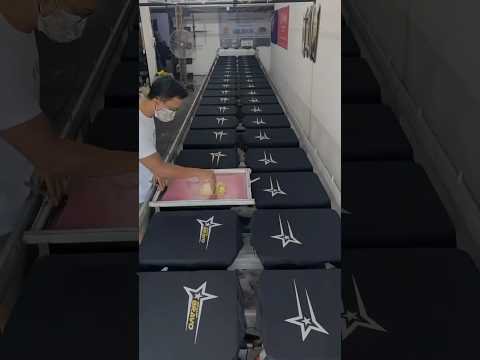
The color ceiling depends on the method. Screen printing: each color is a separate screen and a separate pass — the practical ceiling is 4–6 colors per side for quality work on fabric (beyond that, registration shifts and the cost climbs steeply); the method’s strength is solid-color logos at volume. Heat transfer (vinyl or printed transfer): effectively unlimited colors because the image is printed digitally then pressed onto the bag — the ceiling is the artwork resolution, not the method; the trade is the transfer’s feel and durability versus screen print. UV/direct printing: unlimited colors, photographic reproduction possible, at the cost of the print’s hand-feel on fabric. Embroidery (for tote logos): the color count runs with the thread change per color — 1–6 thread colors is the practical range before the stitching time and cost balloon. The practical answer for a buyer: solid-color logo — screen print at 1–4 colors; detailed or photographic artwork — heat transfer or UV at any color count. The Pantone vs CMYK vs RGB guide covers the color-spec side of the same decision, and the retail packaging hub lists the decoration options per product.
The Cost Structure: Color Steps
Screen printing costs in per-color steps: each color adds a screen (a one-time setup cost, roughly $20–60 per screen depending on the size and mesh) and a per-unit pass charge. The practical bands on a tote program: 1 color — the base price; 2–3 colors — a modest step up (the added screens and passes); 4–6 colors — the premium tier where the setup and the registration labor accumulate. The color count also interacts with the fabric: printing on dark fabric needs an underbase (a white layer under the colors), which effectively adds a color to the count and the cost — a 3-color design on a dark tote prints as 4 passes. The cost-optimization discipline: consolidate the design to the minimum color count that carries the brand (a 2-color logo reads as well as a 4-color version at a fraction of the cost), and consider heat transfer for designs that genuinely need many colors — a 6-color screen job often costs more than a full-color transfer of the same artwork. The custom tote cost guide covers the per-color pricing structure.
Color Count vs Color Accuracy
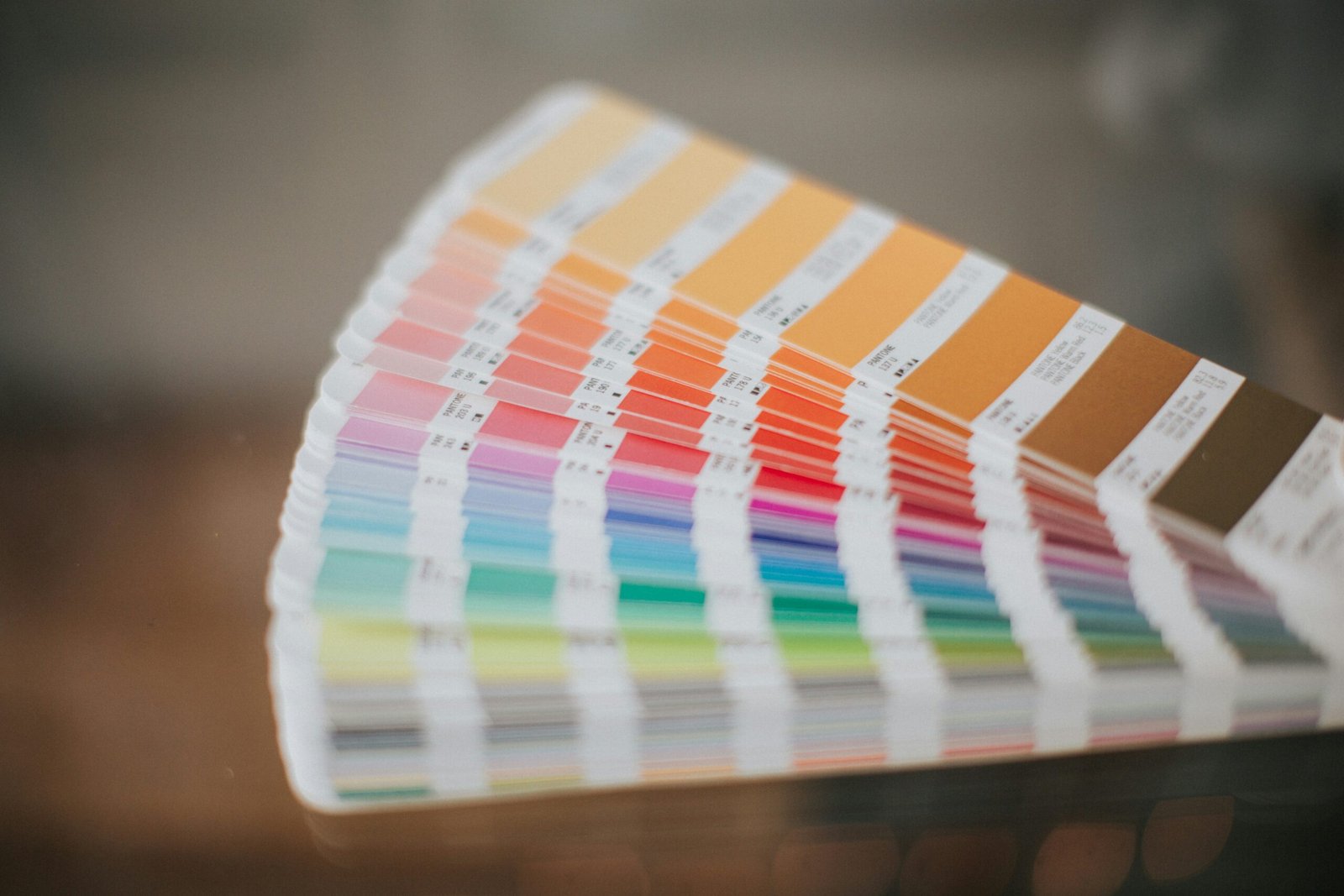
The color count question hides a second question: color accuracy. Screen printing matches Pantone references per color — a 2-color Pantone-matched logo is the industry-standard spec for brand work, with the printed color matched to the Pantone book under controlled lighting. Heat transfer and UV print in CMYK process colors, which reproduce photographs well but match Pantone spot colors approximately — a brand with a strict color standard should spec screen printing for the logo colors and reserve process printing for photographic artwork. The accuracy discipline for buyers: name the Pantone references in the order (not “dark blue”), request the pre-production print sample for approval, and set the acceptance rule for the color match (the sample is the reference, not the artwork file). The color spec guide covers the matching rules, and the Pantone color system is the reference standard behind the color references;, and the contact page starts the artwork review with the color references on the table.
The Decision Rule for Buyers
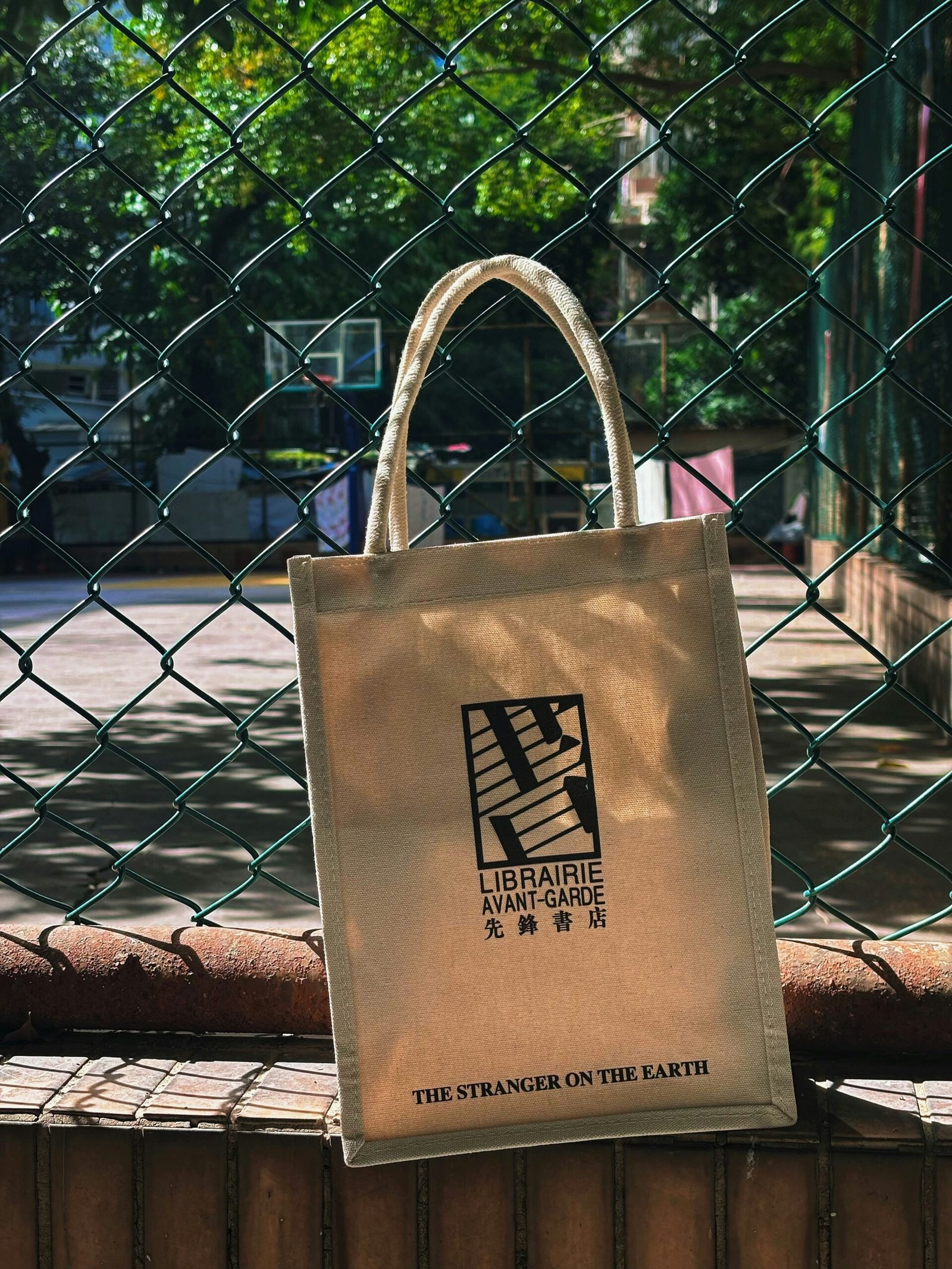
Three questions decide the color spec. What does the design need? A logo with a handful of solid colors — screen print at the exact color count; a photographic or gradient design — heat transfer or UV at full color. What is the volume? Screen printing’s setup costs amortize over volume — at 5,000+ pieces the per-color premium is small; at low volume, the transfer methods avoid the screen setup entirely. What is the fabric? Dark fabric adds the underbase pass to screen printing, which can tip a design toward transfer. The rule that protects the budget: spec the minimum color count that carries the design, match the method to the artwork type, and approve the print sample before production. The canvas tote range shows the print options available, and the product development page covers the artwork approval flow.
Часто задаваемые вопросы
How many colors can you print on a tote bag?
Screen printing runs 1-6 colors per side (practical ceiling for fabric quality), while heat transfer and UV printing handle unlimited colors including photographic artwork.
Does the color count change the price?
Yes – screen printing adds a screen setup and a pass per color; a 6-color screen job often costs more than a full-color transfer of the same artwork.
What about printing on dark bags?
Dark fabric needs a white underbase, effectively adding a color to the count — a 3-color design on dark prints as 4 passes.
Which method matches brand colors best?
Screen printing with Pantone references; heat transfer and UV print in CMYK process colors, which match spot colors only approximately.
Minimum color count, method matched to artwork, Pantone references named, sample approved: the color spec then protects the brand and the budget. Related reading: the color spec guide и canvas tote range.
Dimension anchors and print margins by use case are tabulated in our standard bag sizing guide.
IP basics for protecting a logo in overseas bag orders are in our protecting your logo overseas guide.
Print route economics decide tote program budgets; our screen printing versus digital printing guide prices both routes honestly.




0 комментариев